You haven't signed in yet, you can have a better experience after signing in
*Please complete the payment within {{receiveCouponInfo.expire_at}}Previous use*
You haven't signed in yet, you can have a better experience after signing in


Activity Rules
1、Activity time:{{ info.groupon.start_at }} ~ {{ info.groupon.end_at }}。
1、Activity time:cease when sold out。
2、Validity period of the Group Buying:{{ info.groupon.expire_days * 24 }} hours。
3、Number of Group Buying:{{ info.groupon.need_count }}x。
Please Pay Attention
1、Teamwork process: Join/initiate a Group Buying and make a successful payment - Within the validity period, the number of team members meets the activity requirements - Group Buying succeeded!
2、If the number of participants cannot be met within the valid period, the group will fail, and the paid amount will be refunded in the original way.
3、The number of people required and the time of the event may vary among different products. Please pay attention to the rules of the event.

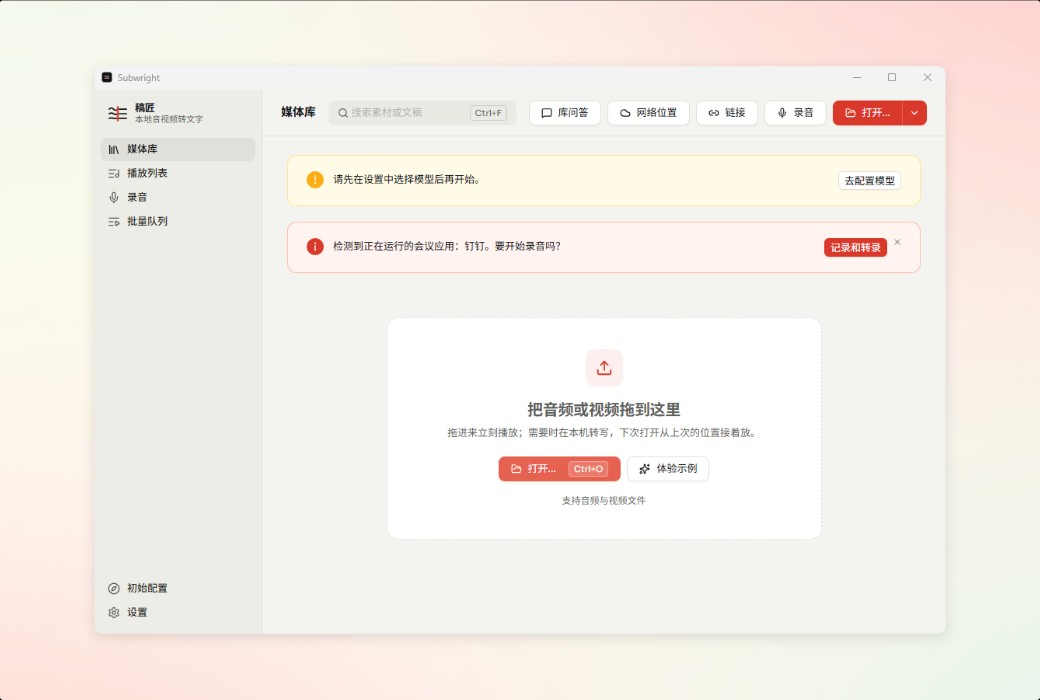
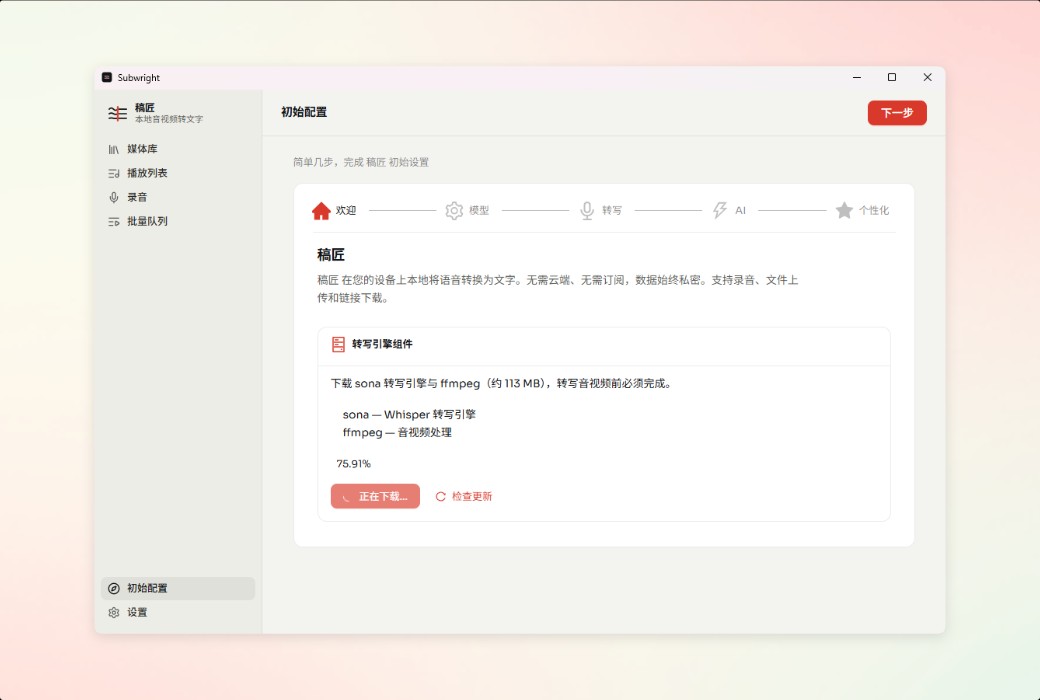
Underwright - Manuscript Maker Local Offline Audio Video to Text Tool
Local Whisper/Qwen3 ASR/SenseVoice · Real time bilingual subtitles · Subtitle workshop · AI summary
Convert meetings, podcasts, and videos into editable transcripts on macOS and Windows; Real time bilingual subtitles, subtitle workshops (ASS/QC v2/Beautify), AI summarization, and batch automation. Whisper/Qwen3-ASR/SenseVoice run locally, with audio and text remaining on the device throughout the entire process.
From transcription to subtitle workshop, one computer can handle everything
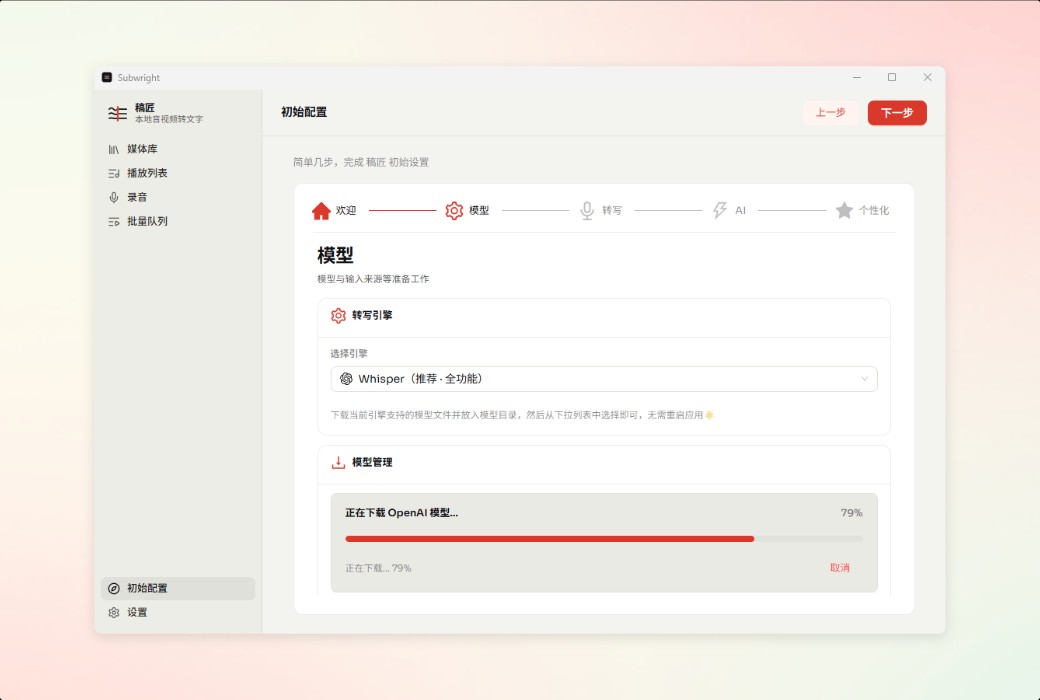
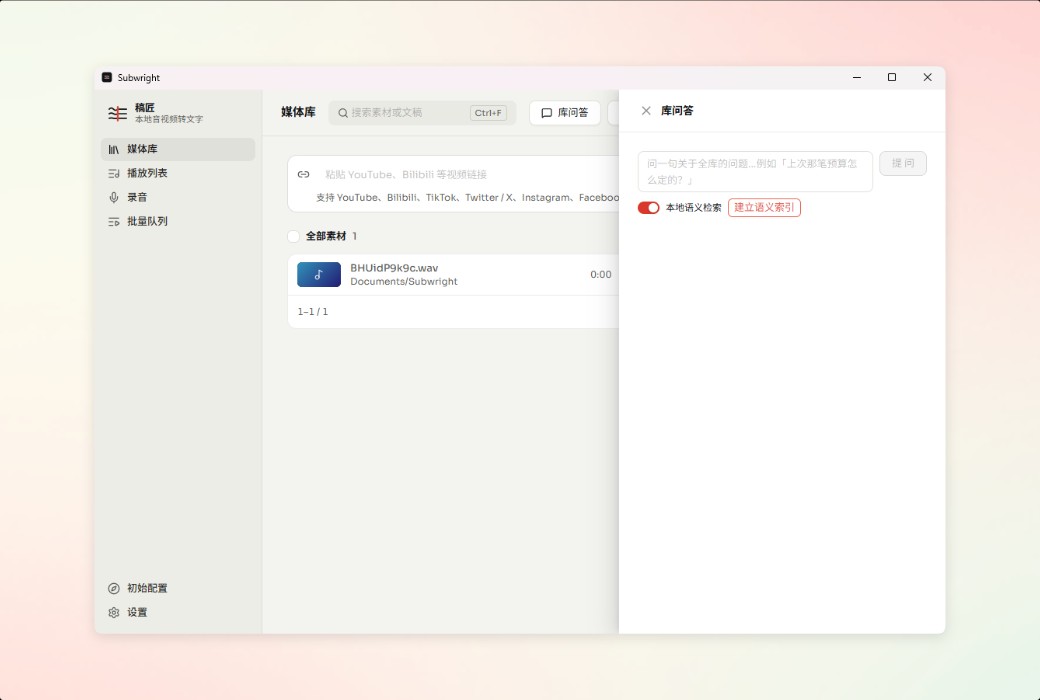
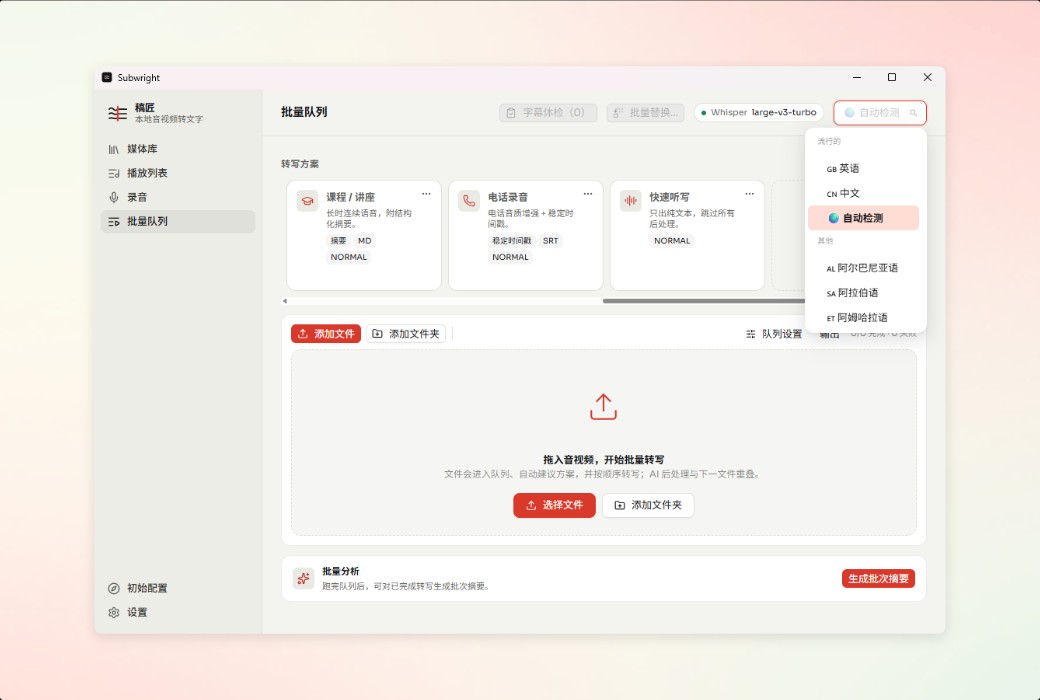
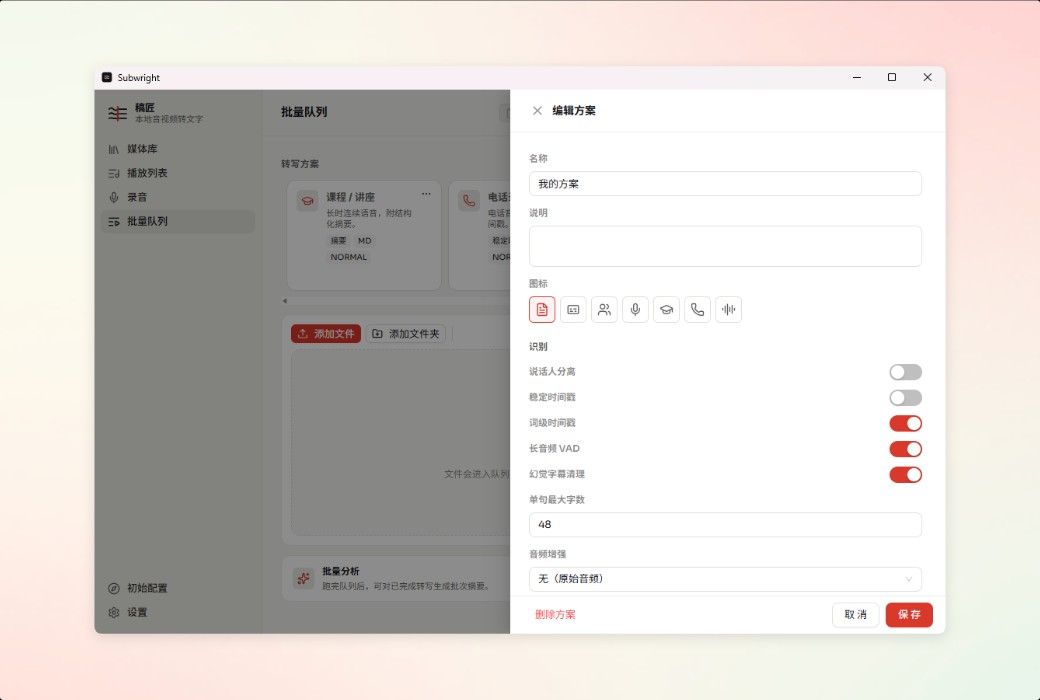
Based on three local engines, OpenAI Whisper, Qwen3 ASR, and SenseVoice, the model can be downloaded and transcribed offline in one go. Not uploading or going through the cloud; Chinese, Japanese, and Korean can switch engines according to the scene, and privacy is completely controllable.
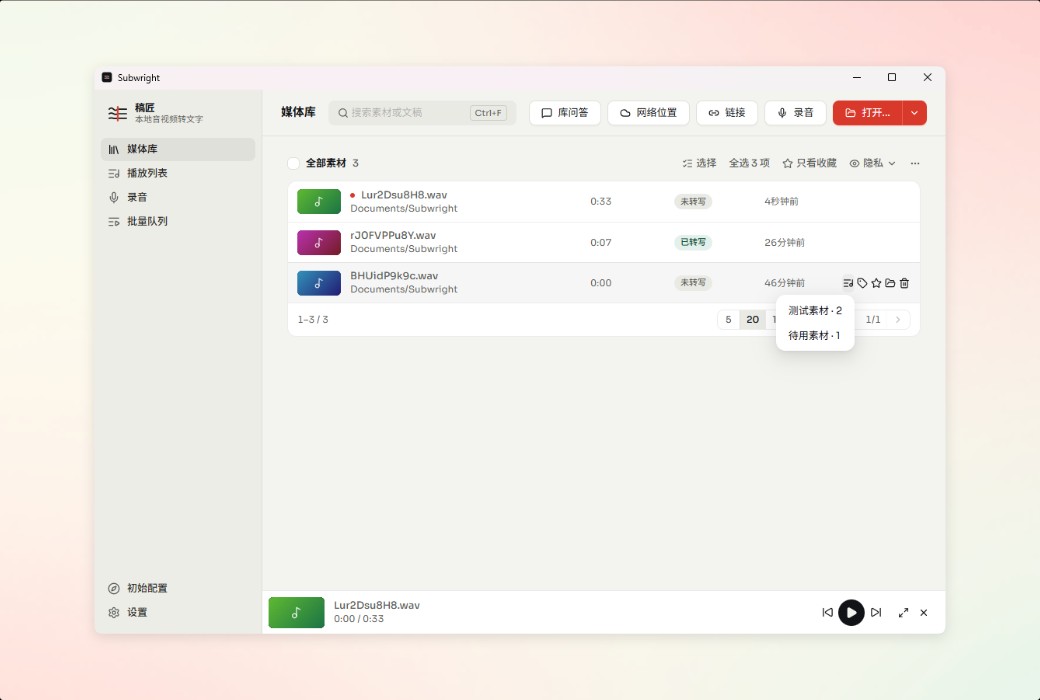
Drag and drop local audio and video, real-time recording, capture system sound, or paste YouTube links; Podcast subscriptions and calendar meetings can also be joined with just one click. Batch queues and monitoring folders enable automatic transcription.
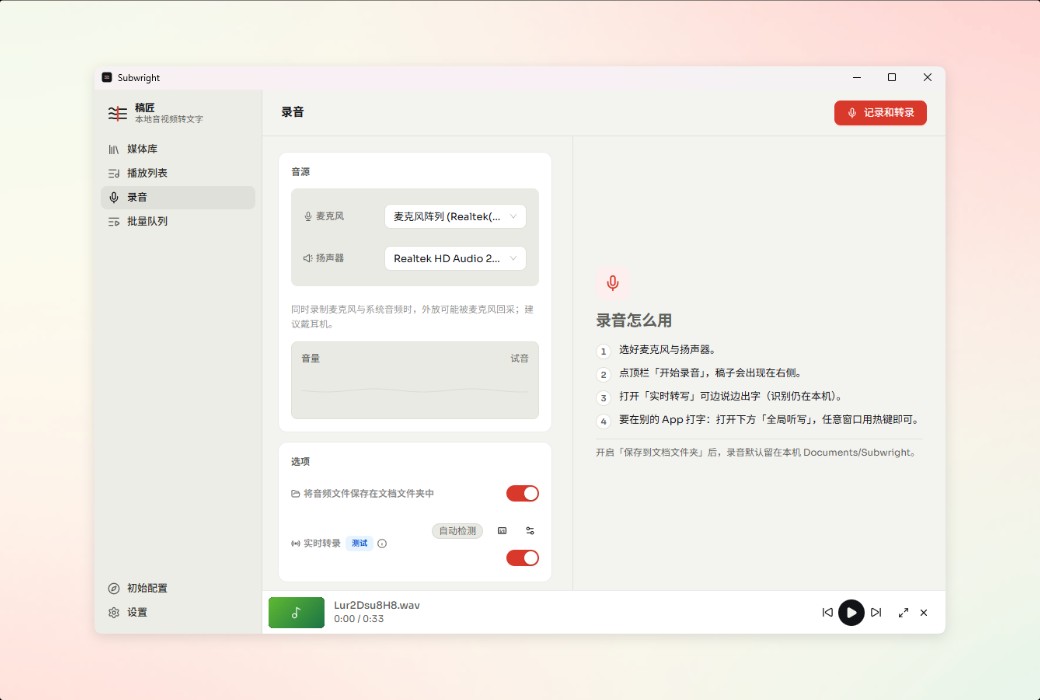
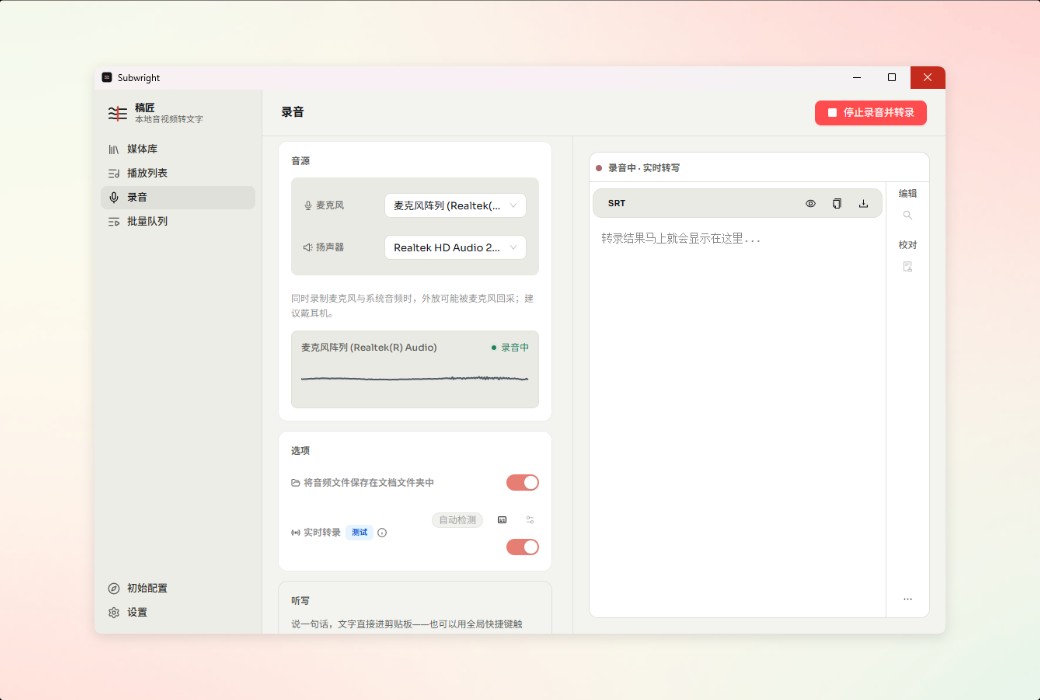
Record microphone or system audio and automatically transcribe it; The floating subtitle window can display both the original and translated text while watching, and real-time translation supports streaming output. I can keep up with meetings, interviews, live broadcasts, and foreign language videos.
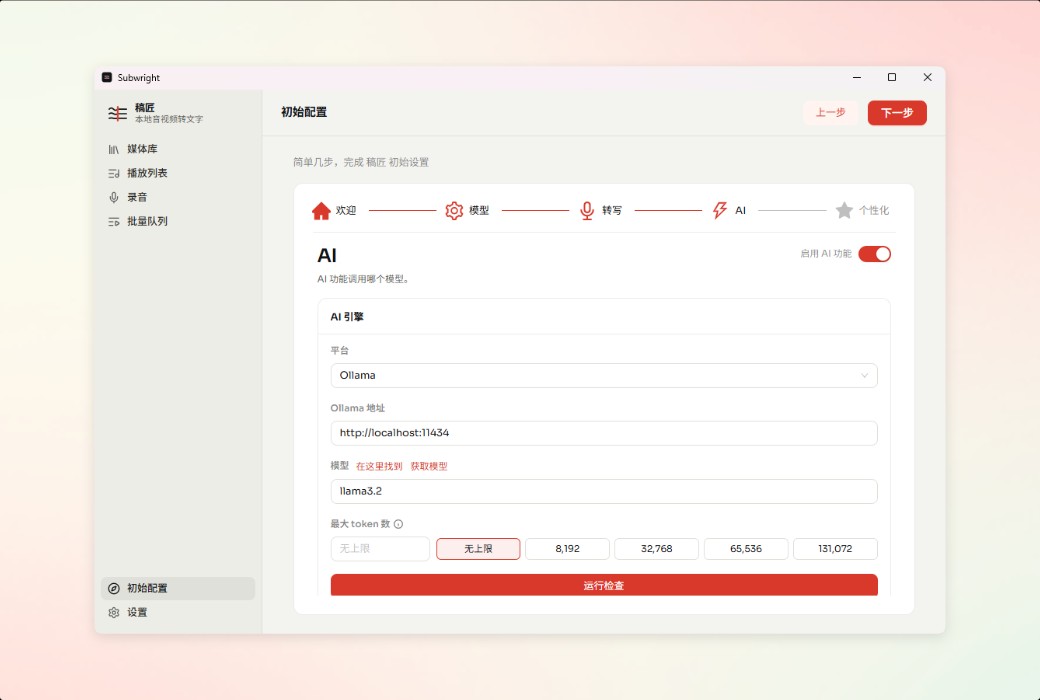
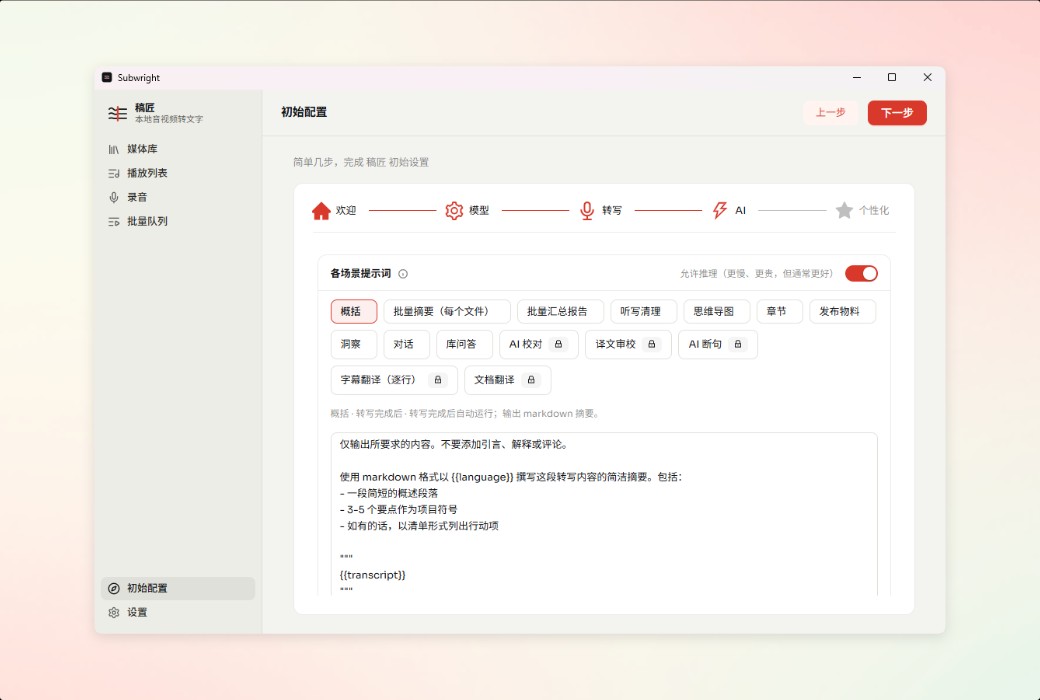
Transform long texts into action items, key insights, and multiple rounds of Q&A. Can access Claude, DeepSeek, Gemini, Tongyi Qianwen OpenRouter、MiniMax, Or the local Olama model.
Automatically identify and label up to 4 speakers. Meeting minutes, interview organization, and multi person podcasts are differentiated by color, and clicking on them will redirect to the corresponding segments.
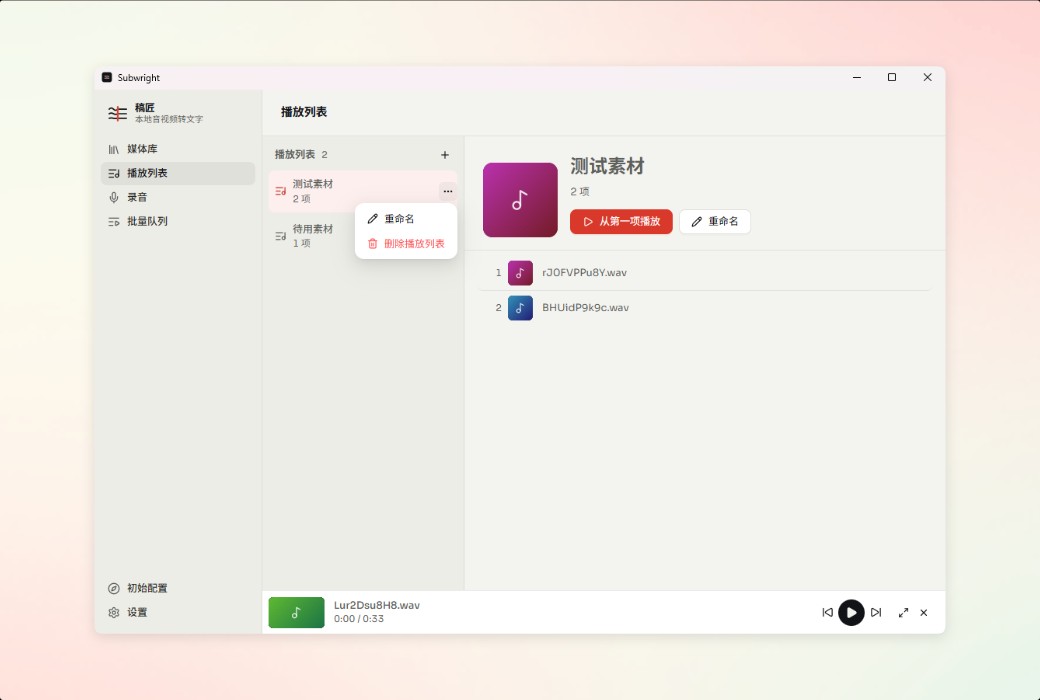
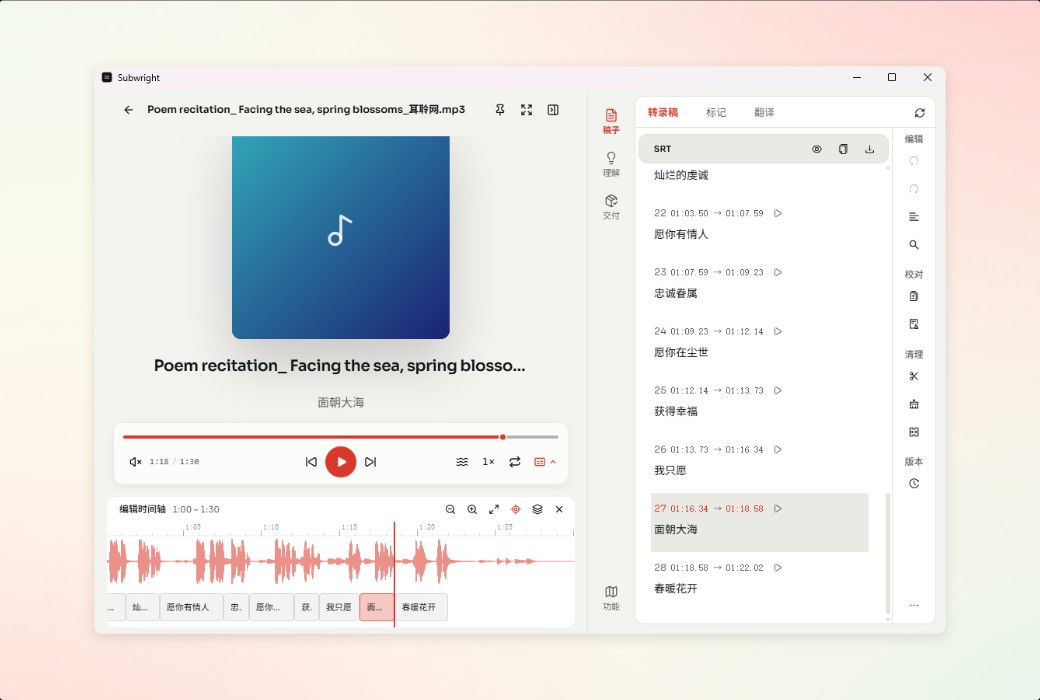
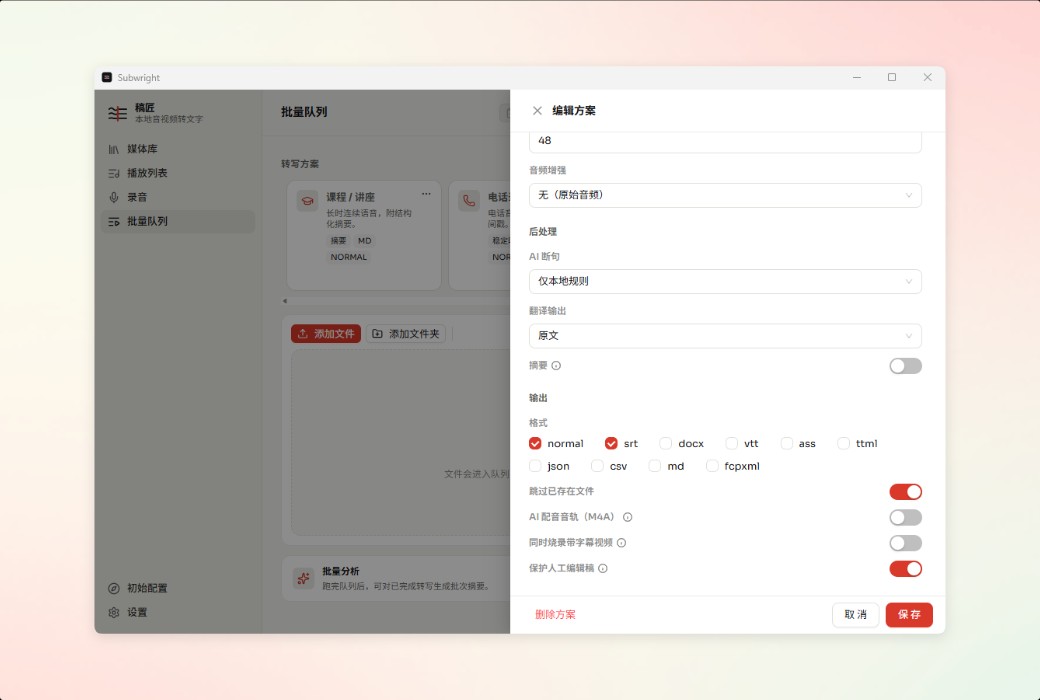
Subtitle table and editing timeline, ASS import/export and style template, QC v2 physical examination, Beautify plastic surgery, spell checking, explicit playlist; 11 formats for export, subtitles can be directly burned into the video.
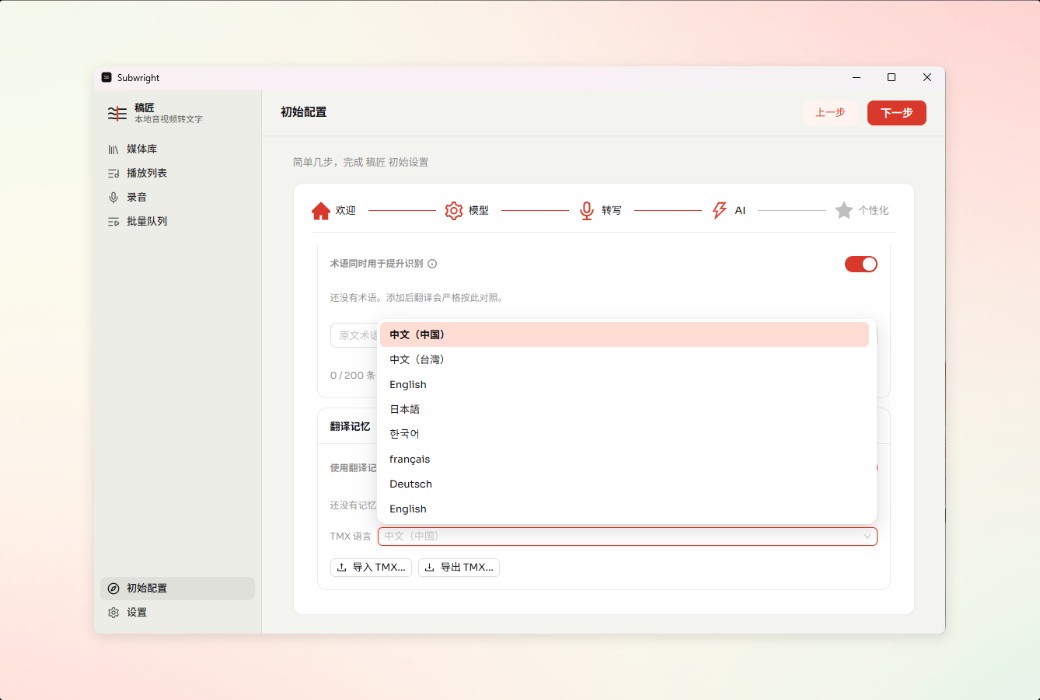
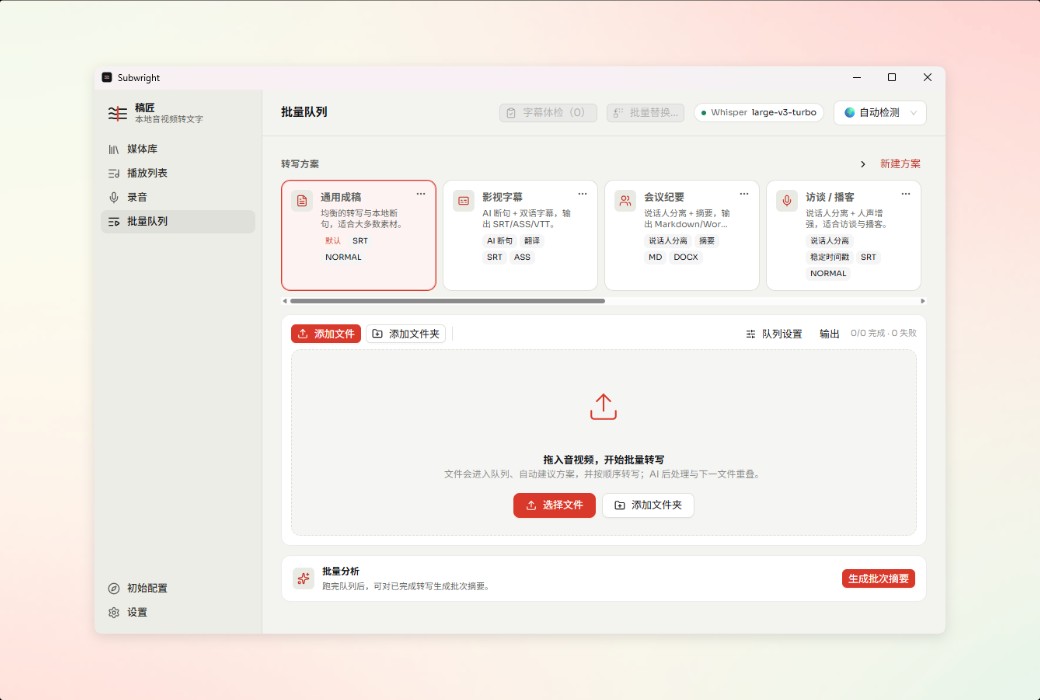
Queue processing dozens of files, or setting up automatic transfer of monitoring folders; Provide CLI, MCP tools, and Webhooks to integrate transcription into scripts, AI clients, and existing workflows.
Noise reduction, voice enhancement, telephone audio optimization, and RNN deep noise reduction preset are also provided; Save low-quality recordings and improve recognition accuracy.
AI automatically analyzes content structure, generates chapter segmentation and foldable hierarchical mind maps. Long webinars, courses, and presentations can be summarized in just a few seconds.
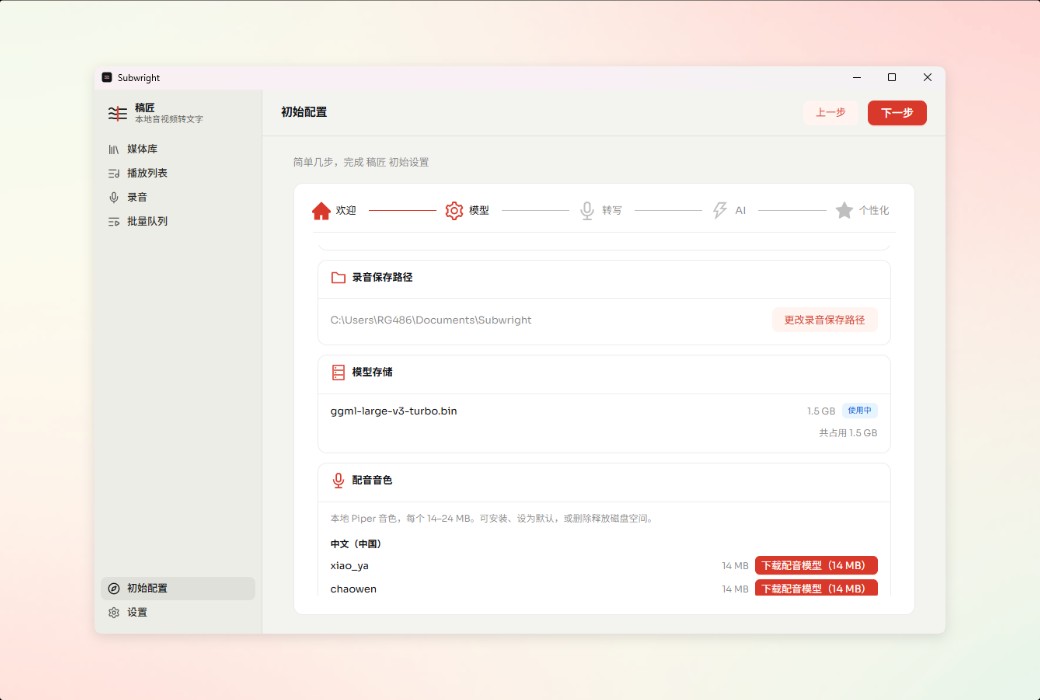
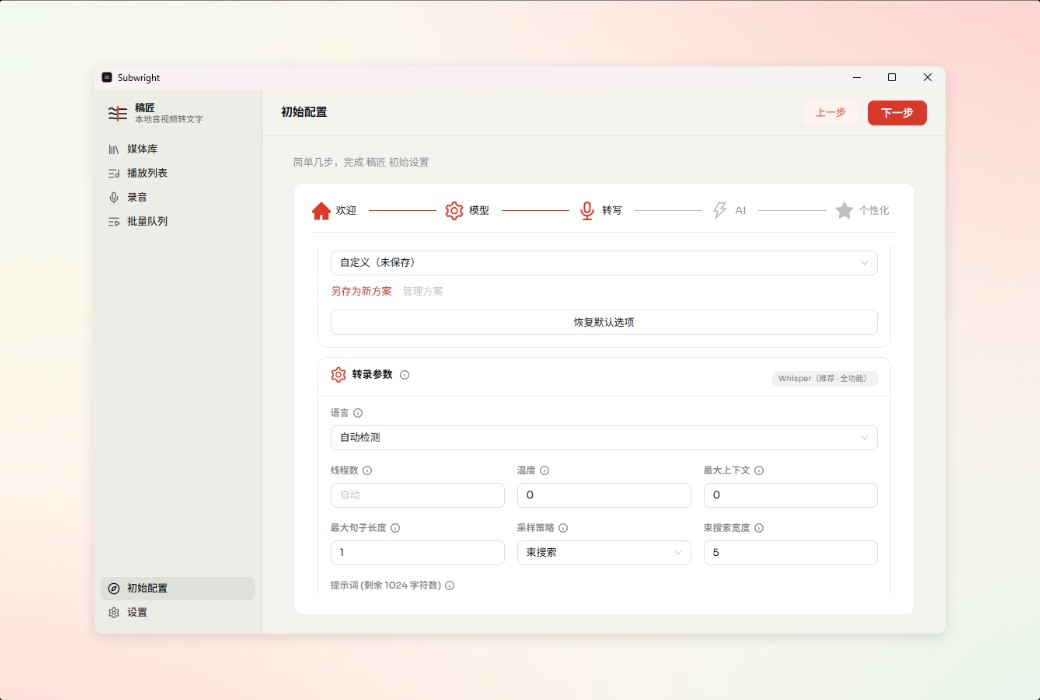
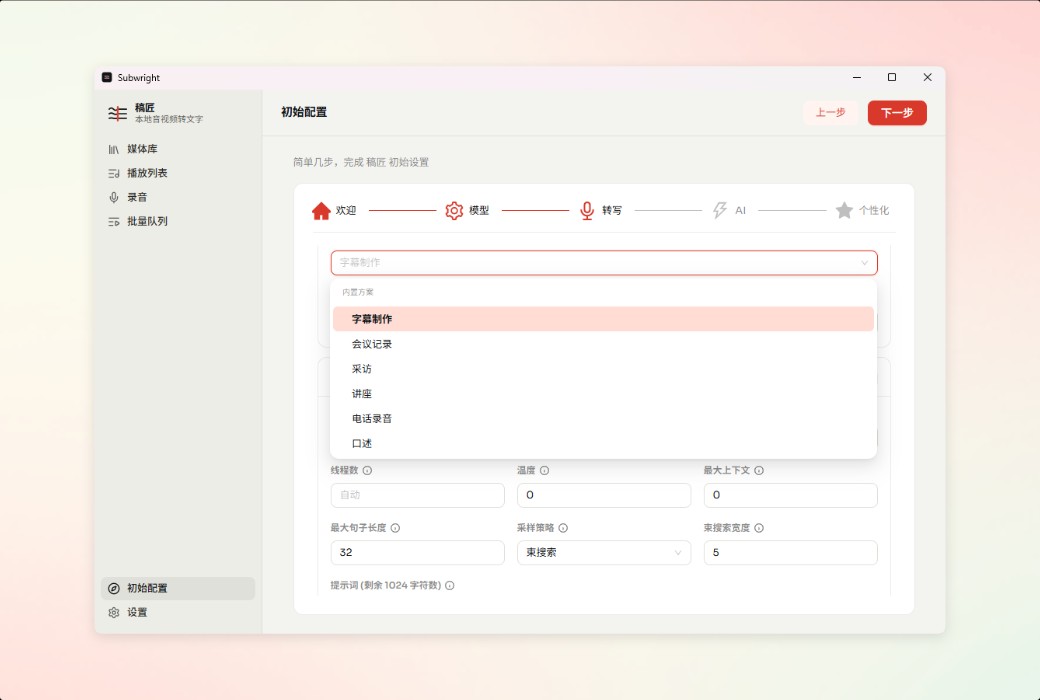
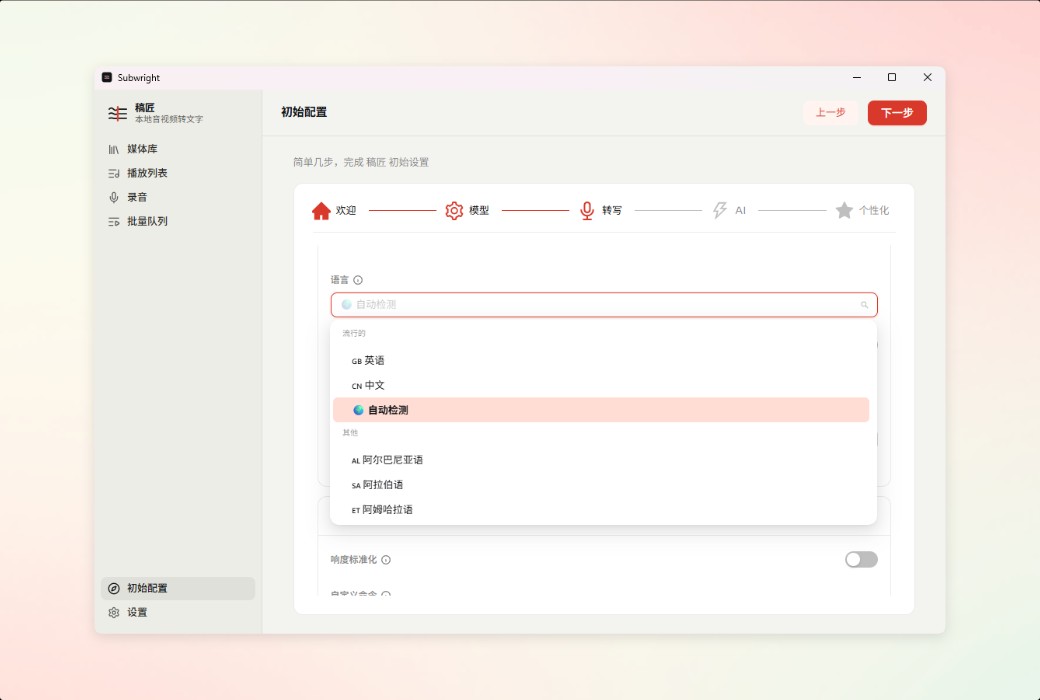
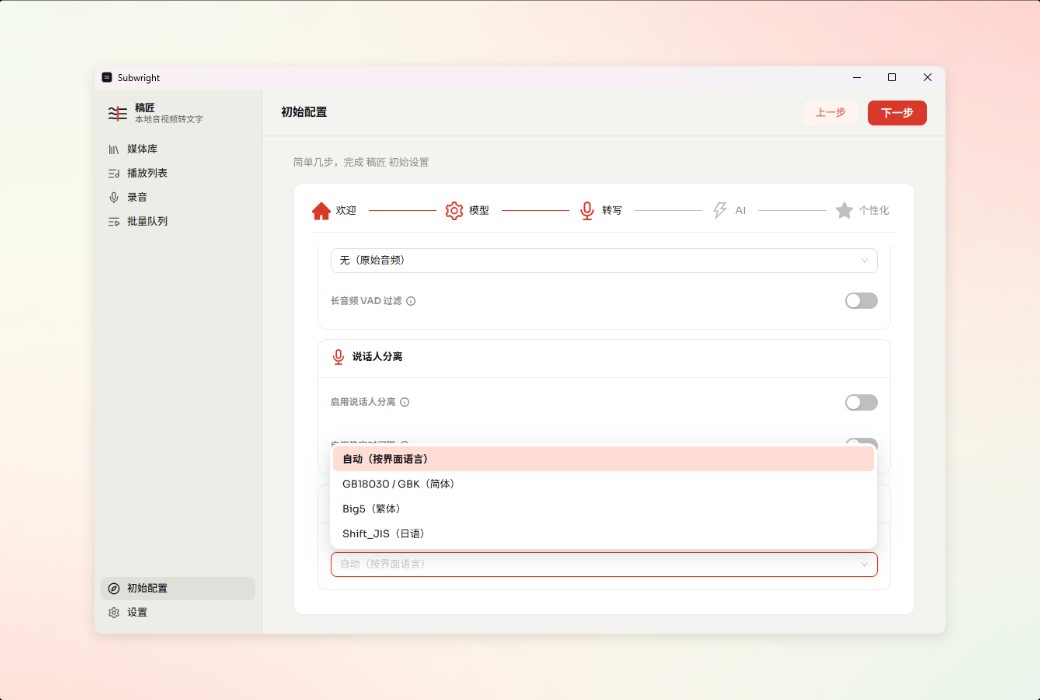
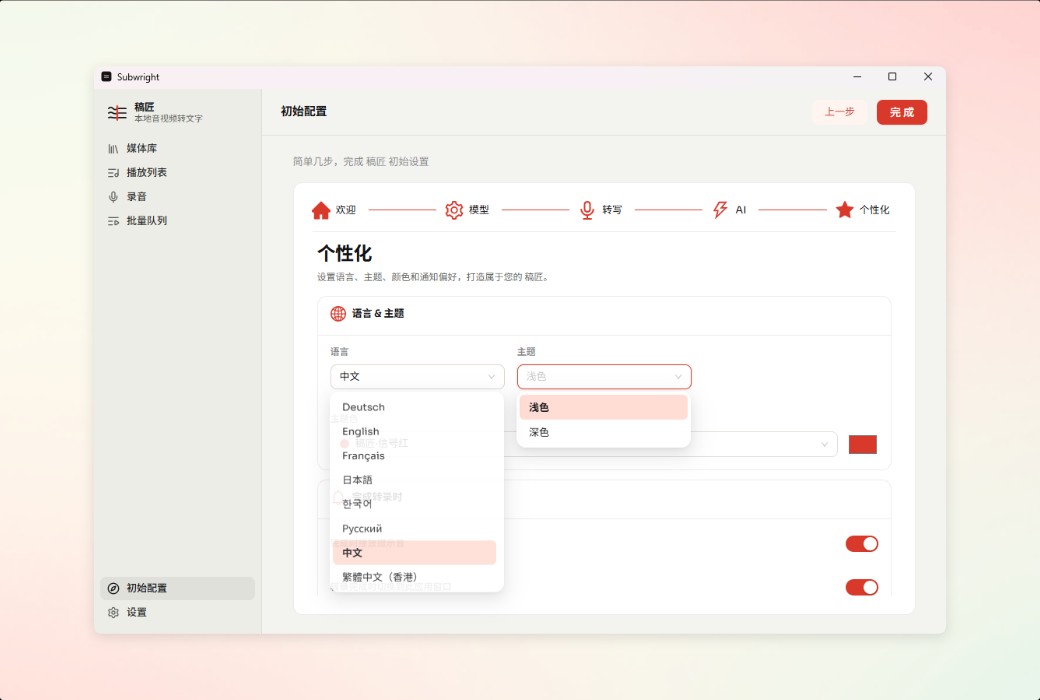
Choose your own Whisper/Qwen3 ASR/SenseVoice engine, language, and parameters; You can configure 9 UI languages, image sources, and anonymous analysis switches.
Official website:https://www.subwright.app/zh/
Download Center:https://subwright.apsgo.cn
Shipping time:24-hour automatic shipping
Operating Platform:Windows、macOS
Interface language:Supports Chinese interface display and multiple language options.
Update Description:Update and use during the subscription period.
Trial before purchase:Free trial is available before purchase.
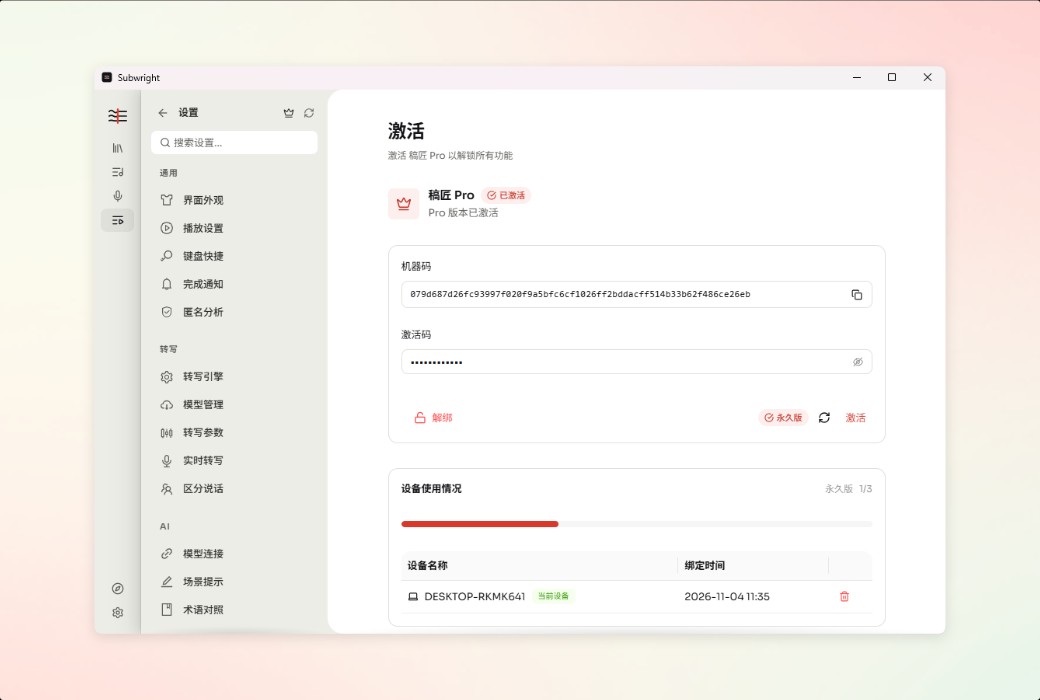
How to receive goods:After purchase, the activation information will be sent to the email address at the time of placing the order, and the corresponding product activation code can be viewed in the personal center, My Orders.
Number of devices:Supports 3 devices.
Replace computer:Unbind the original computer and activate the new computer.
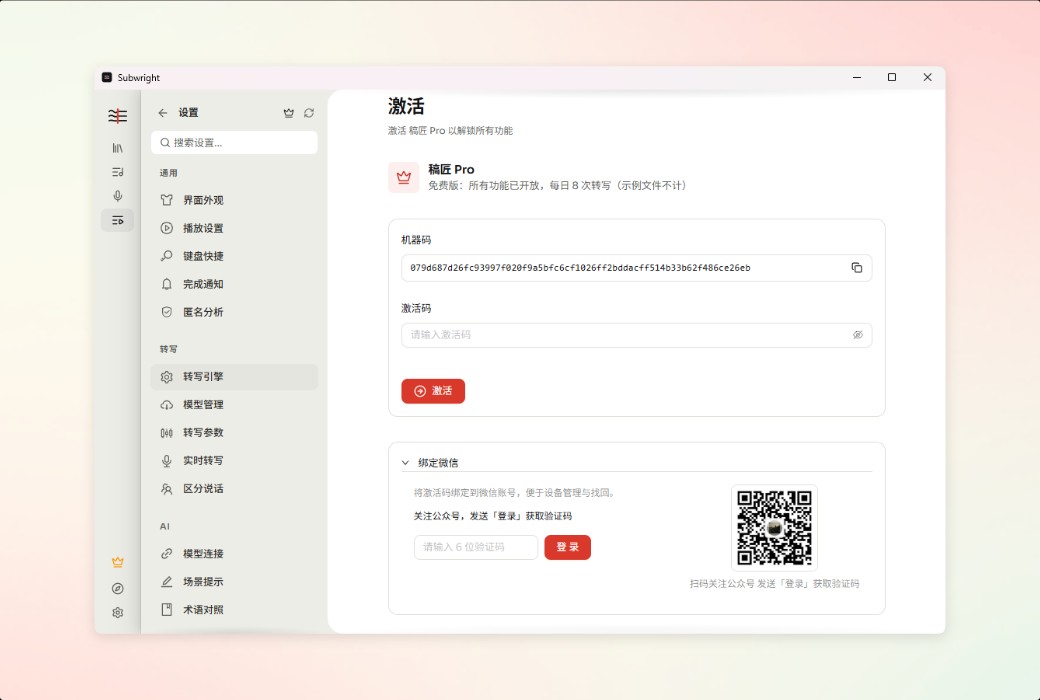
Activation guidance:Open the software - Settings- 👑- Enter activation code
Special note:To be added.
Reference materials:https://www.subwright.app/zh/

Any question

Due to the software not being distributed through the Microsoft Store, Windows SmartScreen may be blocked. Click on "More Information" → "Still Want to Run".